This tutorial shows you how to unlock GEO by creating your first workspace in Catchr.
In GEO, a workspace represents one brand. It is used to organize and categorize your brands.
Create a Source on https://app.catchr.io/sources
Create a workspace for the brand you want to use in GEO.
If no workspace exists, GEO is not available yet.
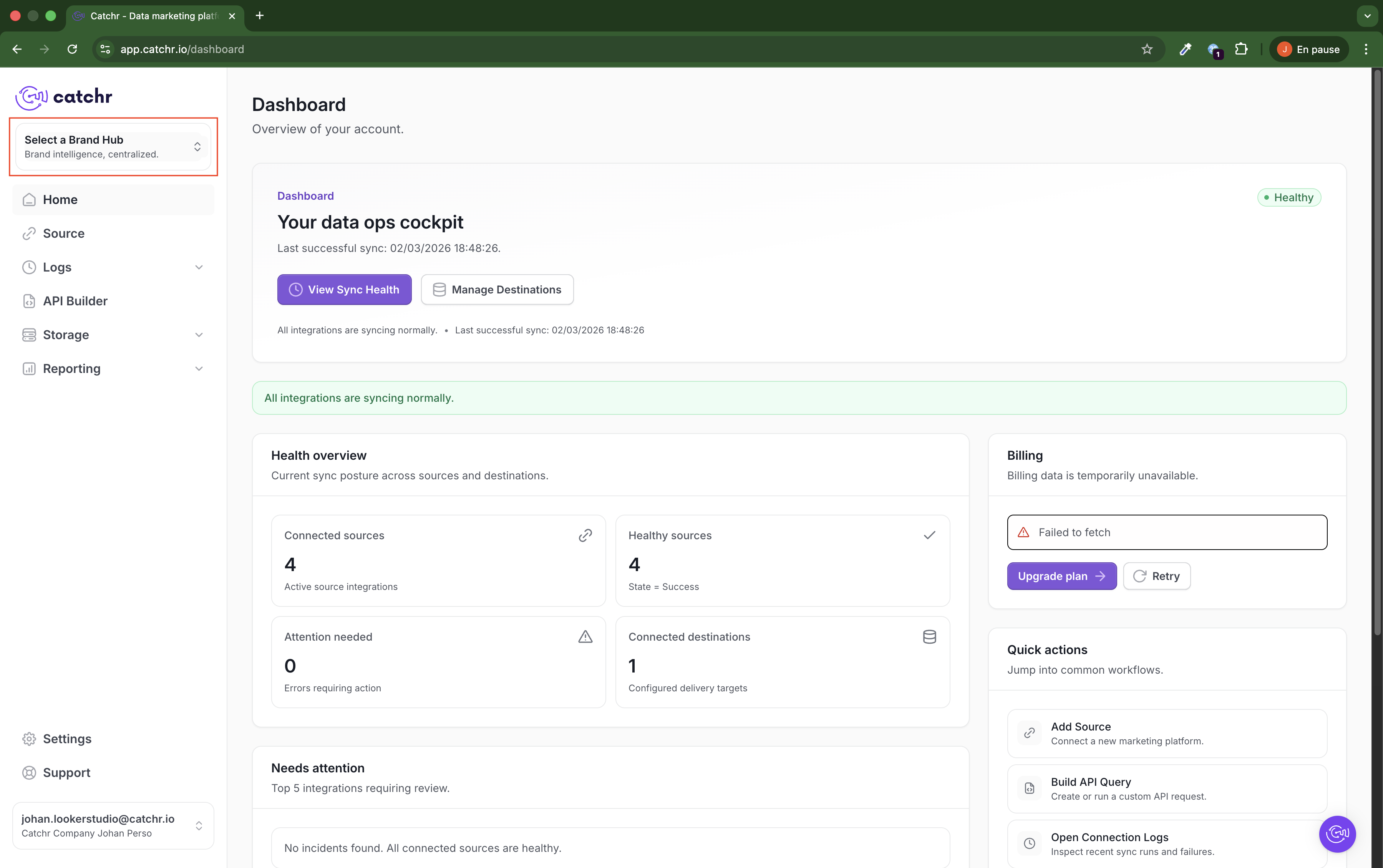
From the left sidebar in Dashboard, click Select a Brand Hub.
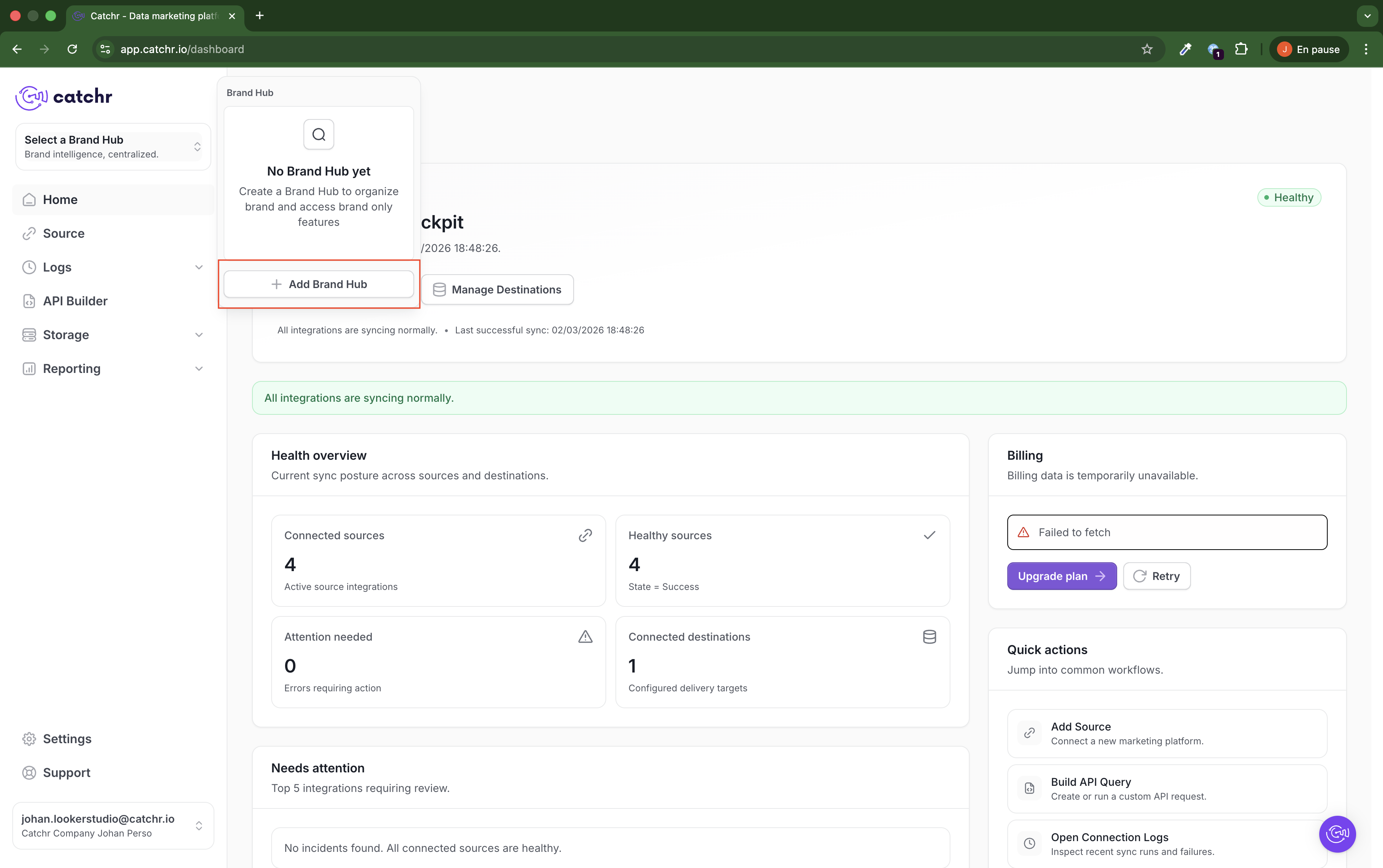
Click Add Brand Hub.
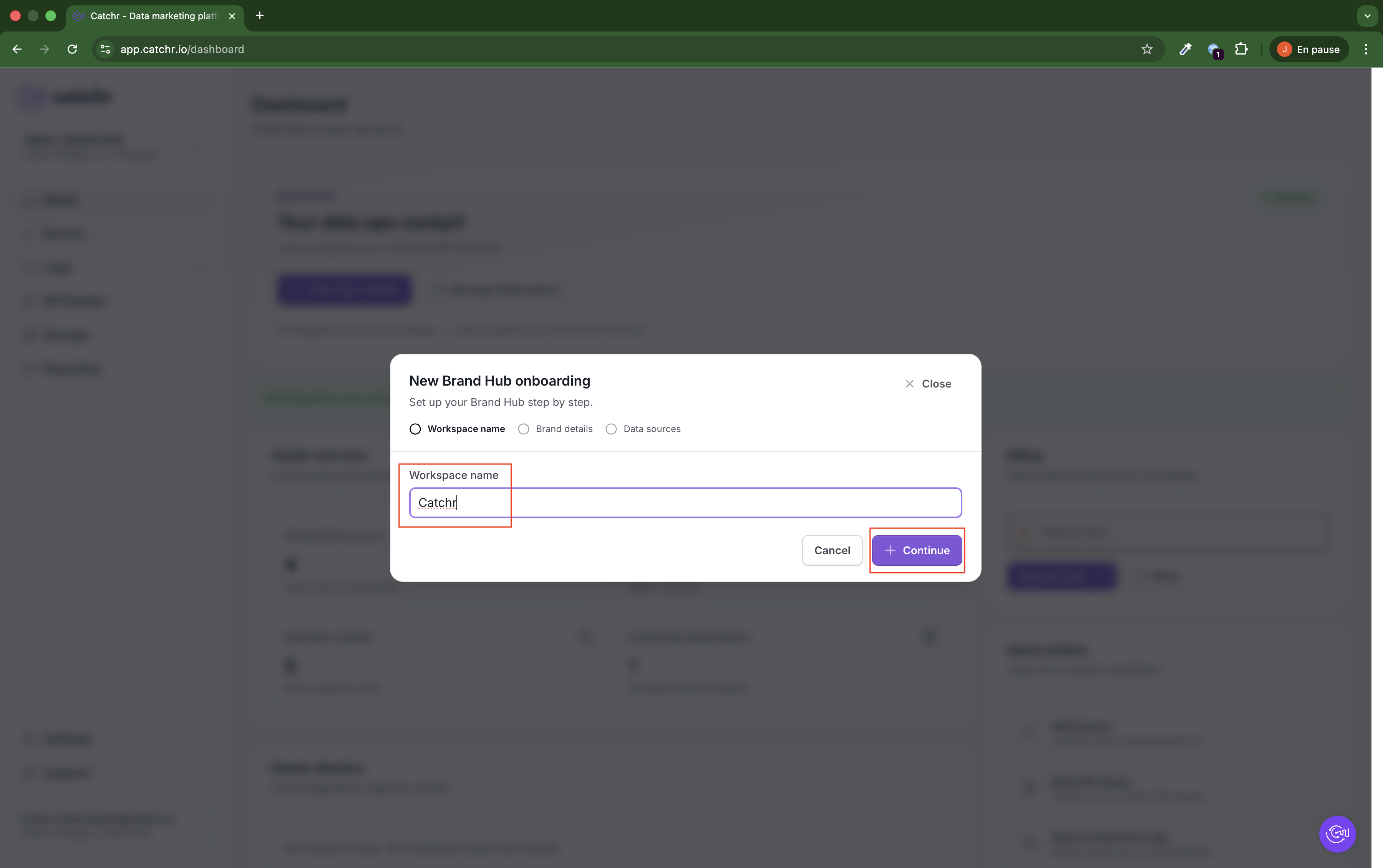
Enter a Workspace name, then click Continue.
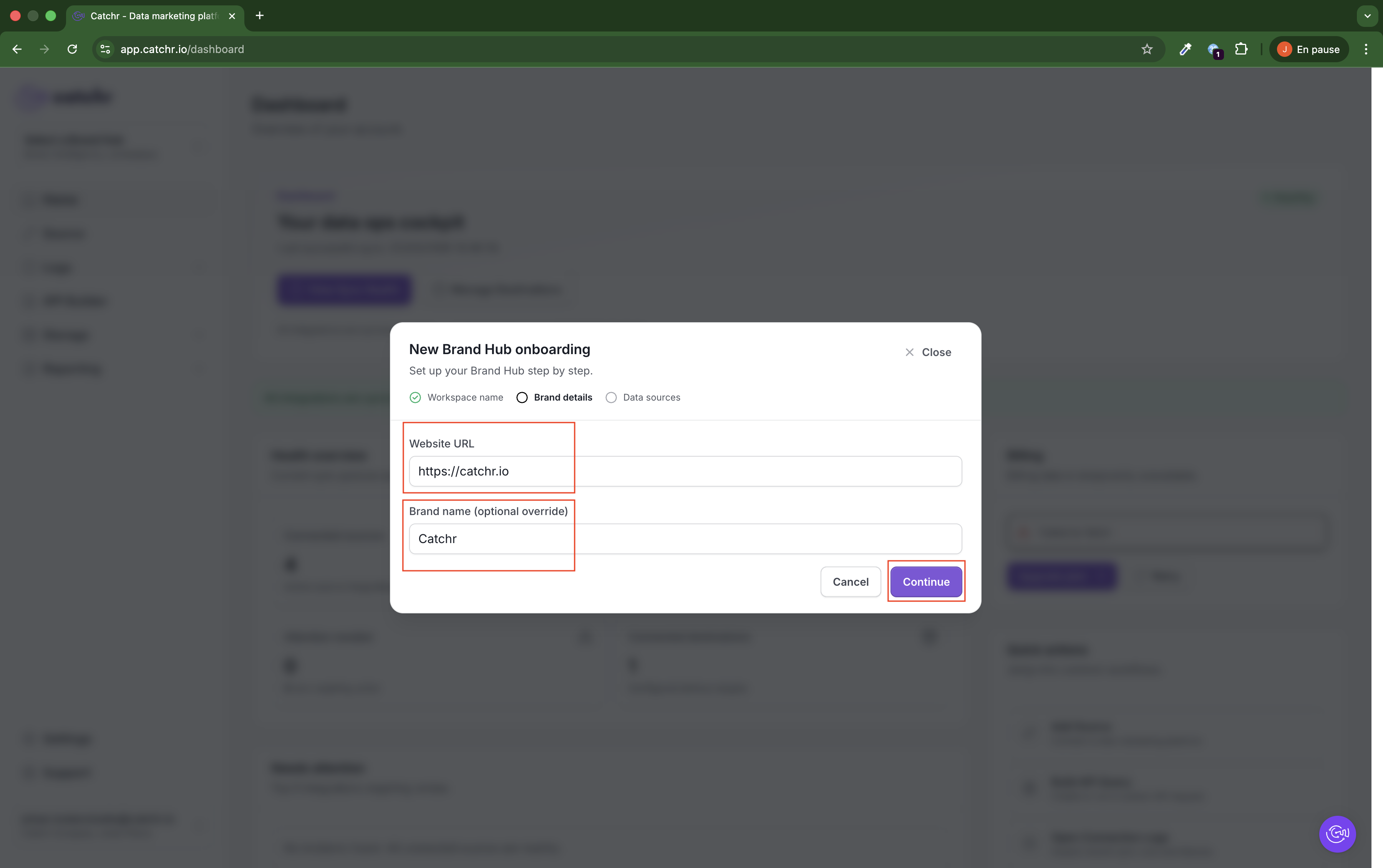
Fill in:
- Website URL (required)
- Brand name (optional override) (optional)
Click Continue.
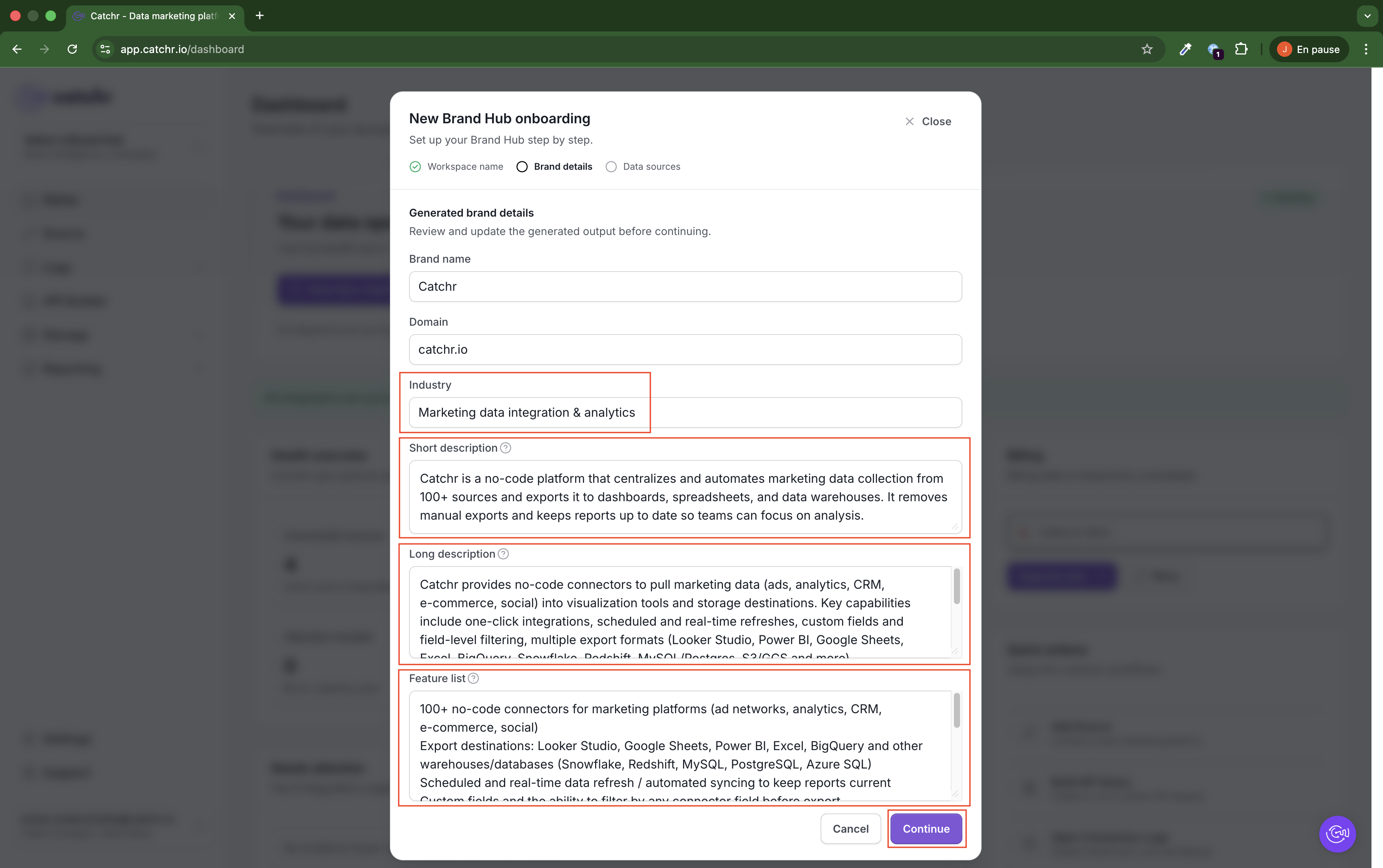
Catchr automatically generates:
- Industry
- Short description
- Long description
- Feature list
Review and edit these fields if needed, then click Continue.
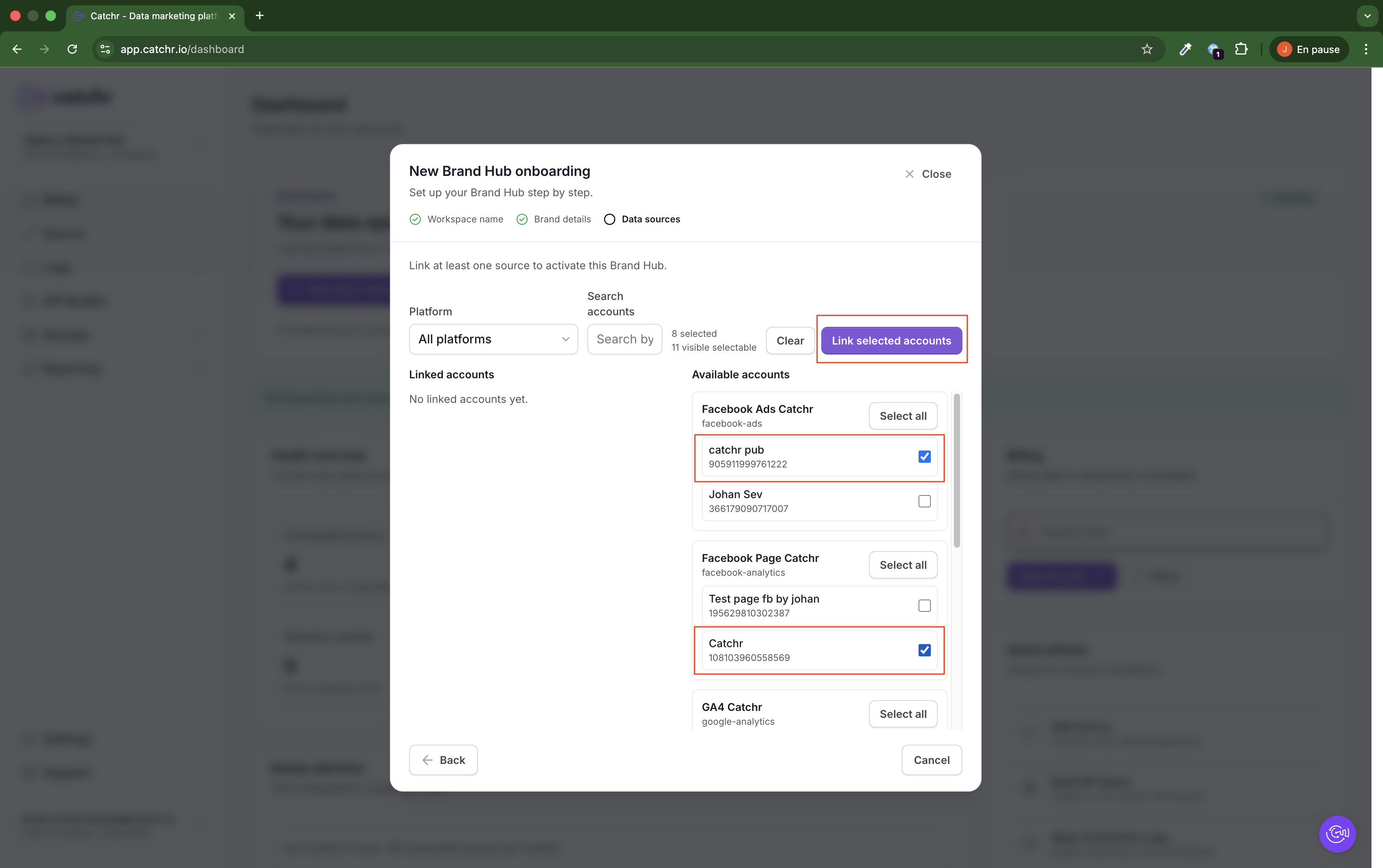
Select one or more accounts in Available accounts, then click Link selected accounts.
This completes workspace setup for your brand.
Once completed:
- Your brand workspace is active.
- GEO can be used in this workspace context.