This tutorial explains how to use the Settings tab to review and update monitor configuration in GEO.
You will learn how to:
- Understand the monitor settings warning
- Review editable monitor fields
- Update language, country, and location settings
- Choose models
- Copy a monitor
- Delete a monitor
- You already created a monitor.
- You opened the monitor detail page.
- You selected the Settings tab.
The Settings tab is where you review and update monitor configuration.
Use this page when you need to adjust how the monitor is set up, or when you want to duplicate or remove a monitor.
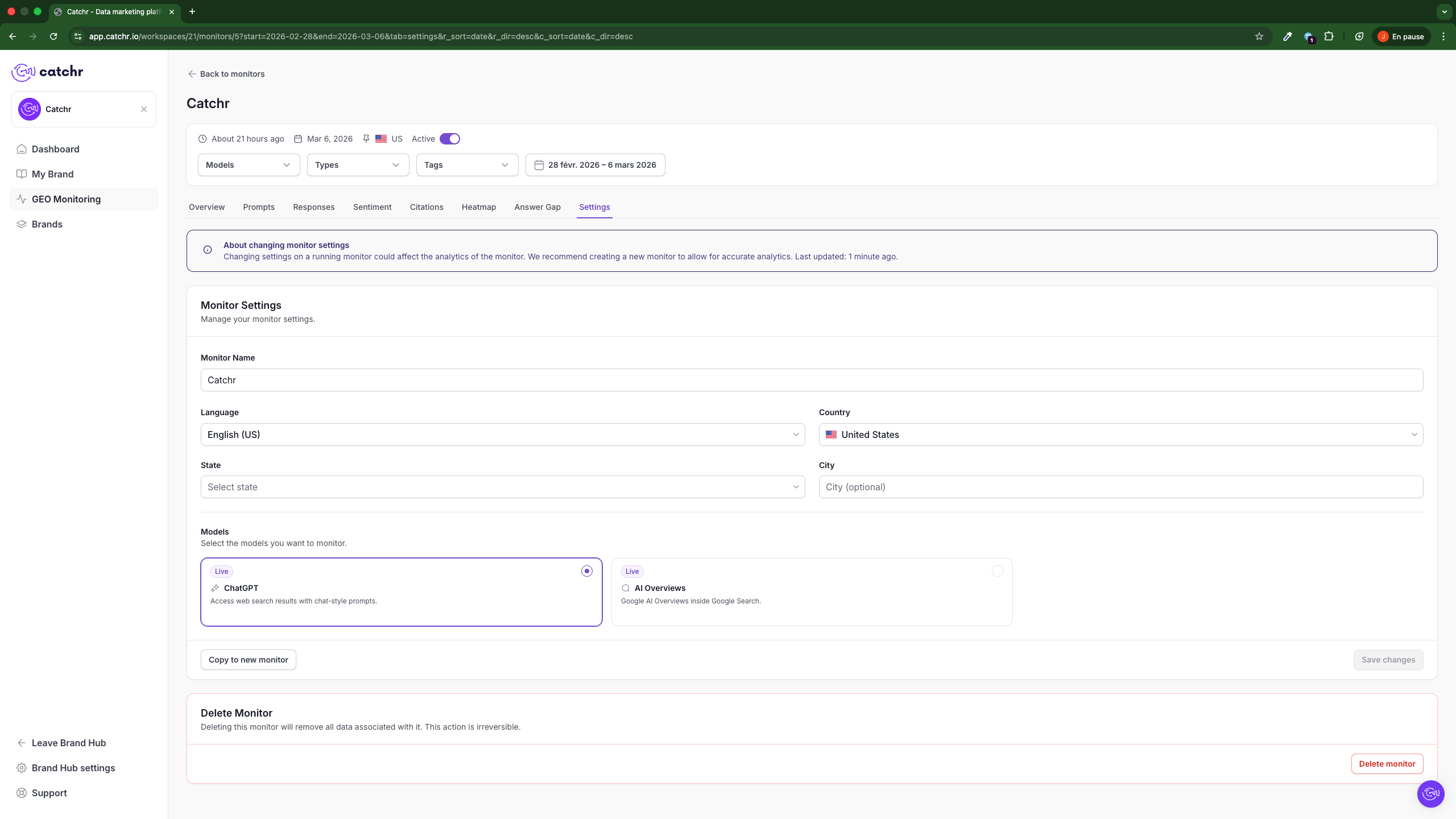
At the top of the page, GEO shows a warning about changing monitor settings.
This warning explains that editing a running monitor can affect analytics. When you want to preserve historical accuracy, GEO recommends creating a new monitor instead of modifying the current one.
Use this guidance before making major changes to an active monitor.
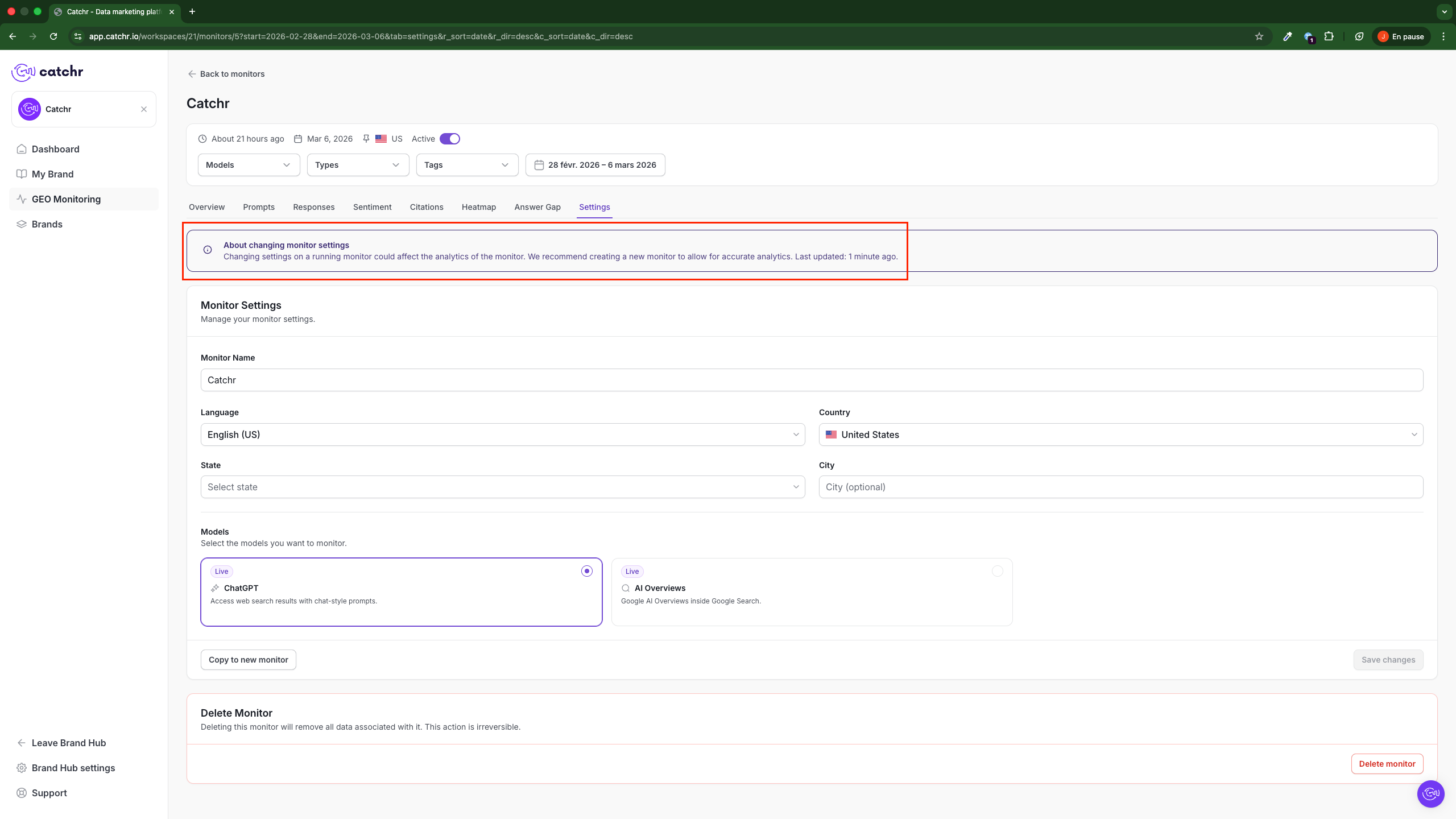
The Monitor Settings section includes:
- Monitor Name
- Language
- Country
- State
- City
Use these fields to control the market and location context tracked by the monitor.
Current limitation:
- State and City are available only for monitors using the United States as a country.
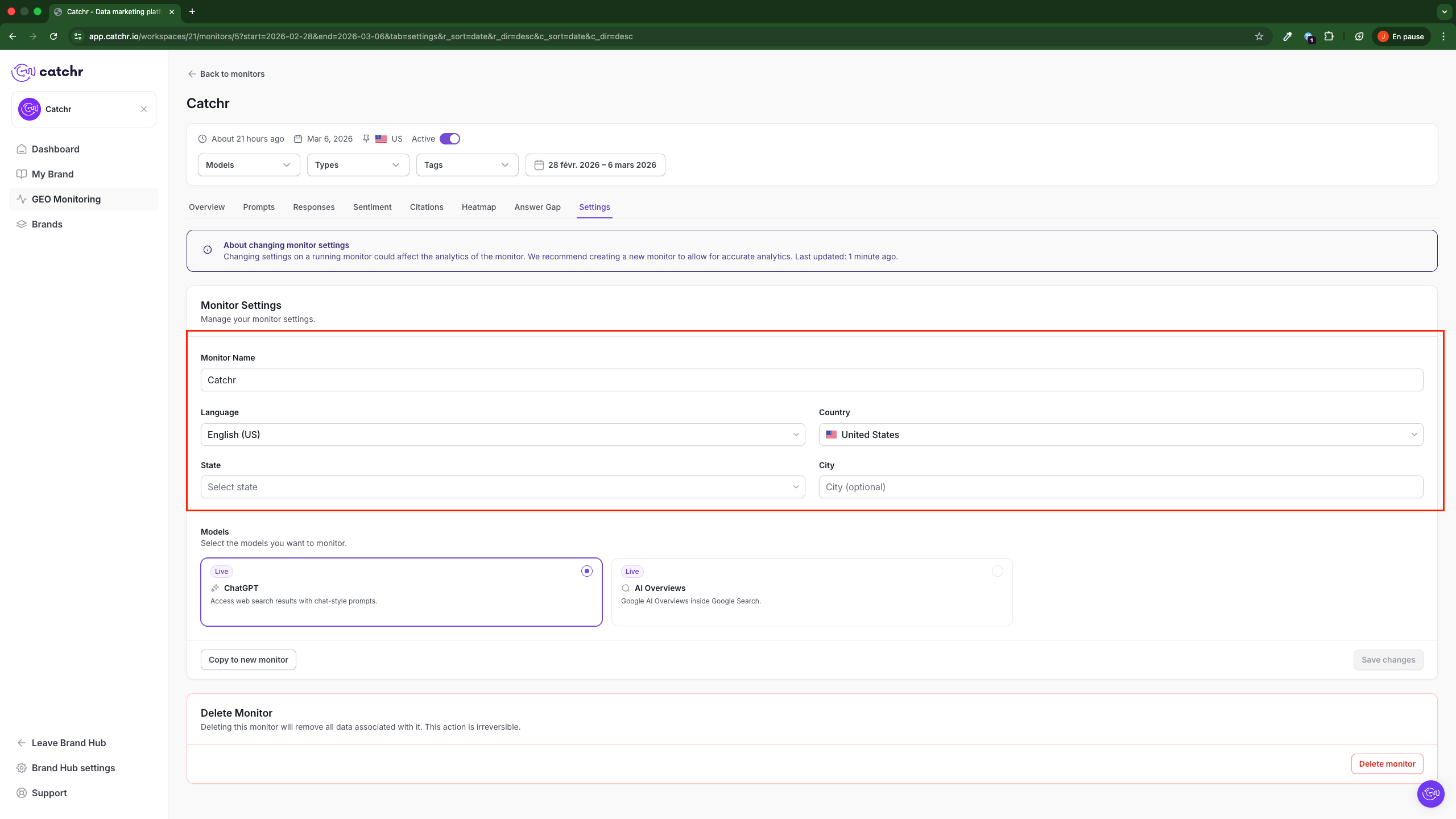
The Models section lets you choose which models are monitored.
Each model card shows:
- The model name
- Its availability status
- A short description
- A selection control
Use this section to confirm which models are active for the monitor.
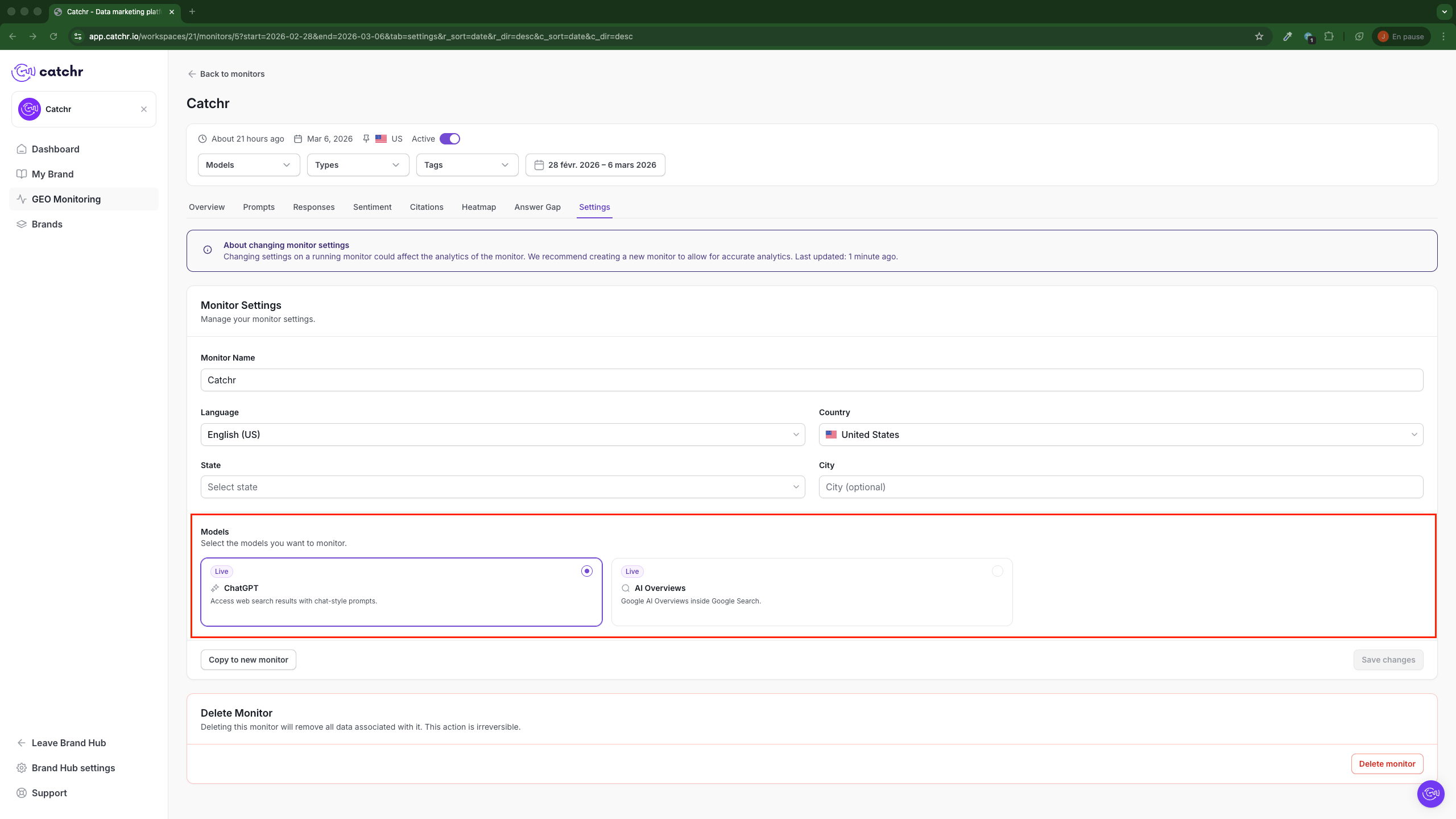
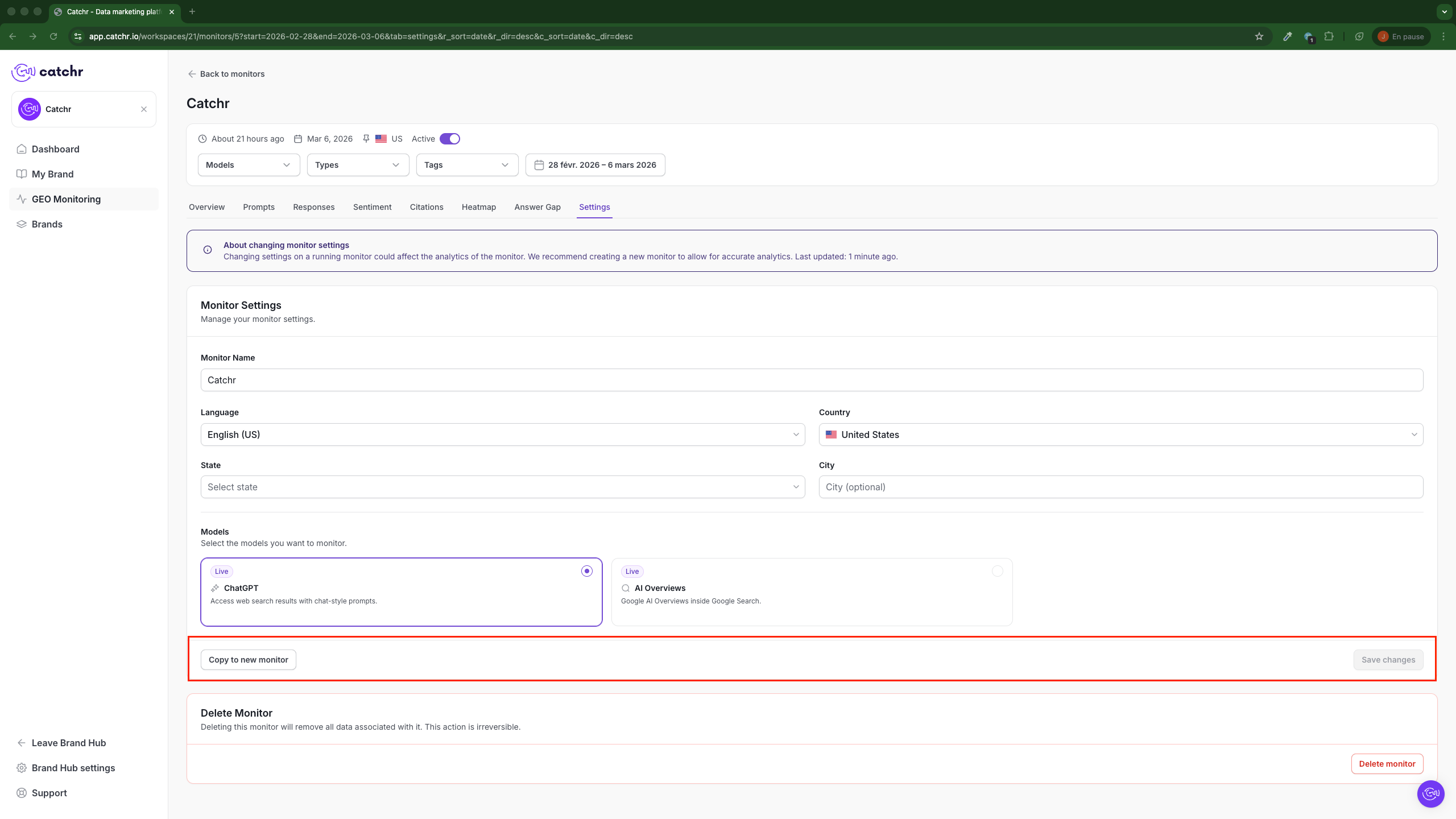
At the bottom of the settings section, you can use:
- Save changes to apply updates to the current monitor
- Copy to new monitor to duplicate the current setup into a new monitor
Use Copy to new monitor when you want to preserve the current monitor and test a new configuration separately.
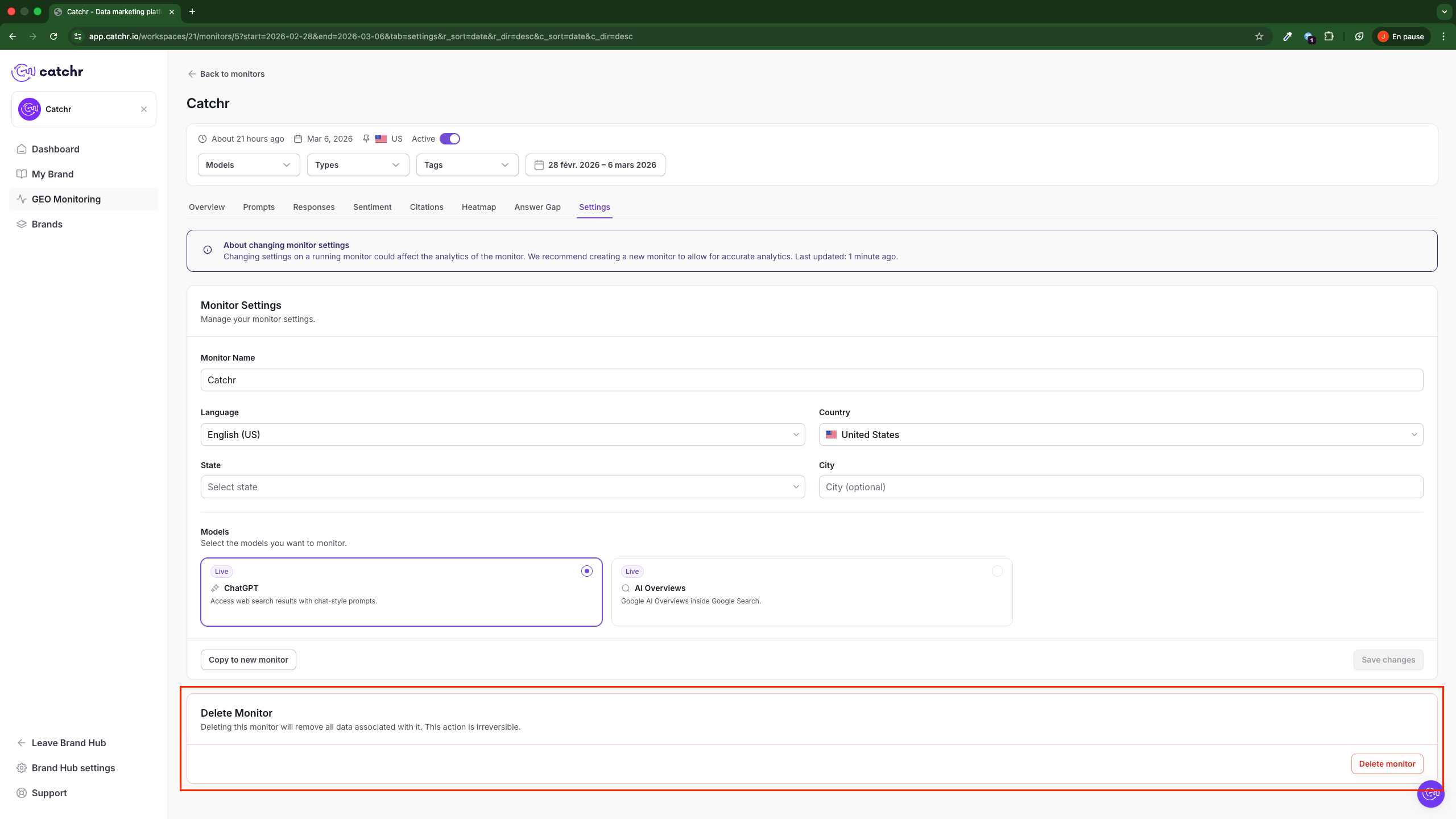
The Delete Monitor section lets you permanently remove the monitor.
The warning in this section states that deleting the monitor will remove all data associated with it and that this action is irreversible.
Use the Delete monitor only when you are sure the monitor is no longer needed.
- Read the warning before editing an active monitor.
- Use Save changes for minor updates.
- Use Copy to new monitor when you want to preserve existing analytics.
- Remember that State and City are currently available only for the US.
- Use the Delete monitor carefully because deletion is permanent.